
Digital billboard advertising for real estate
We saw you
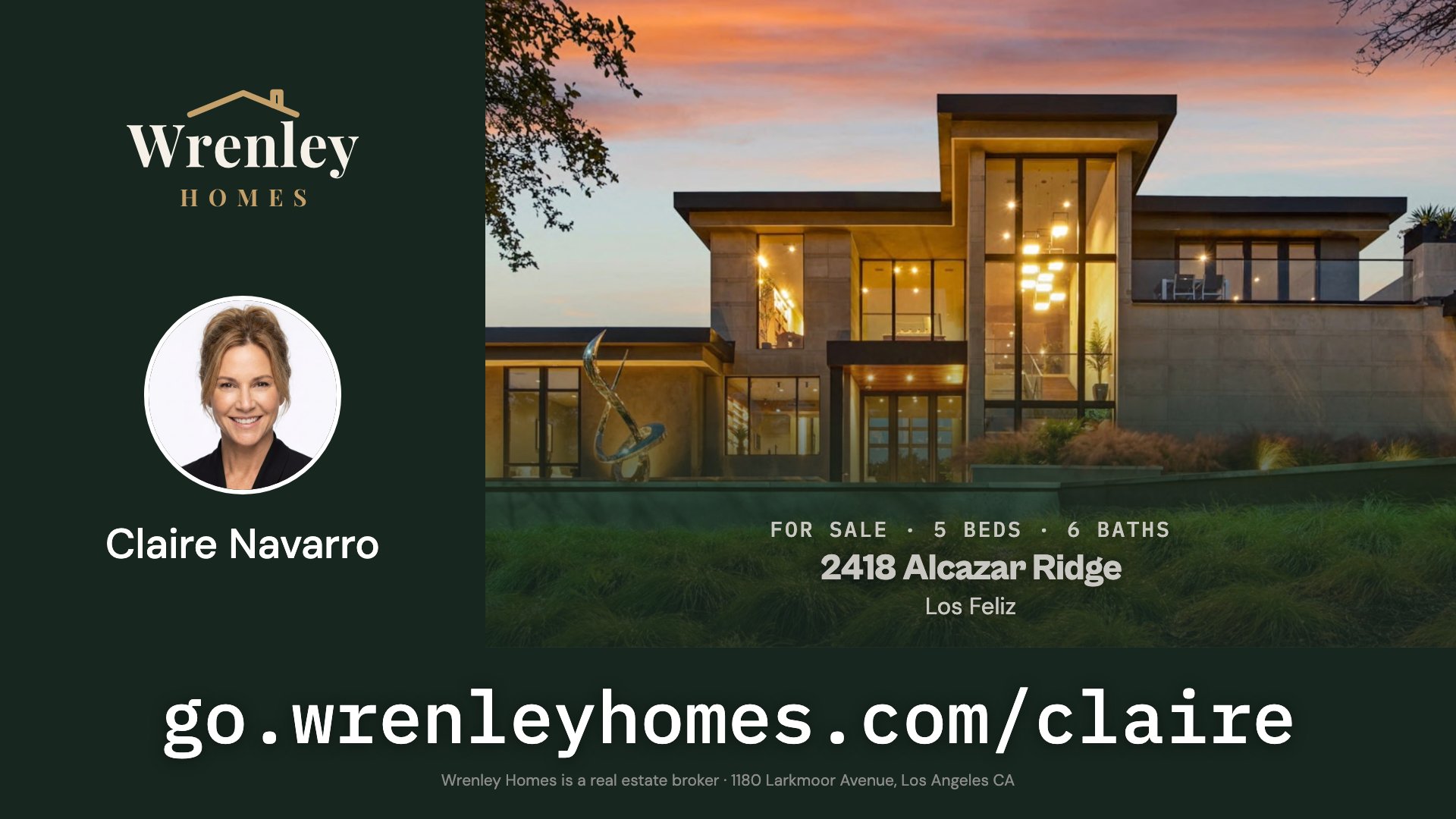
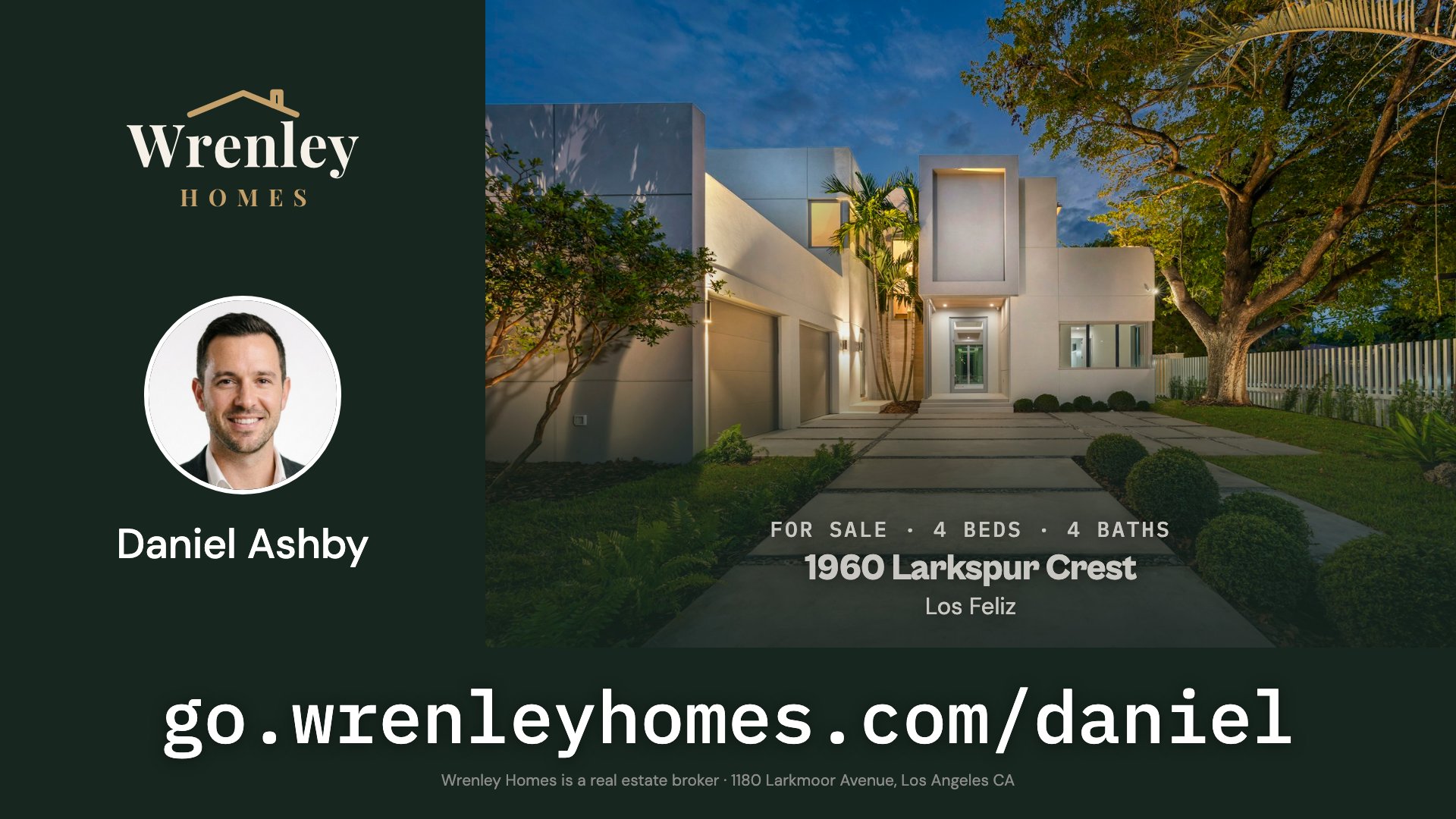
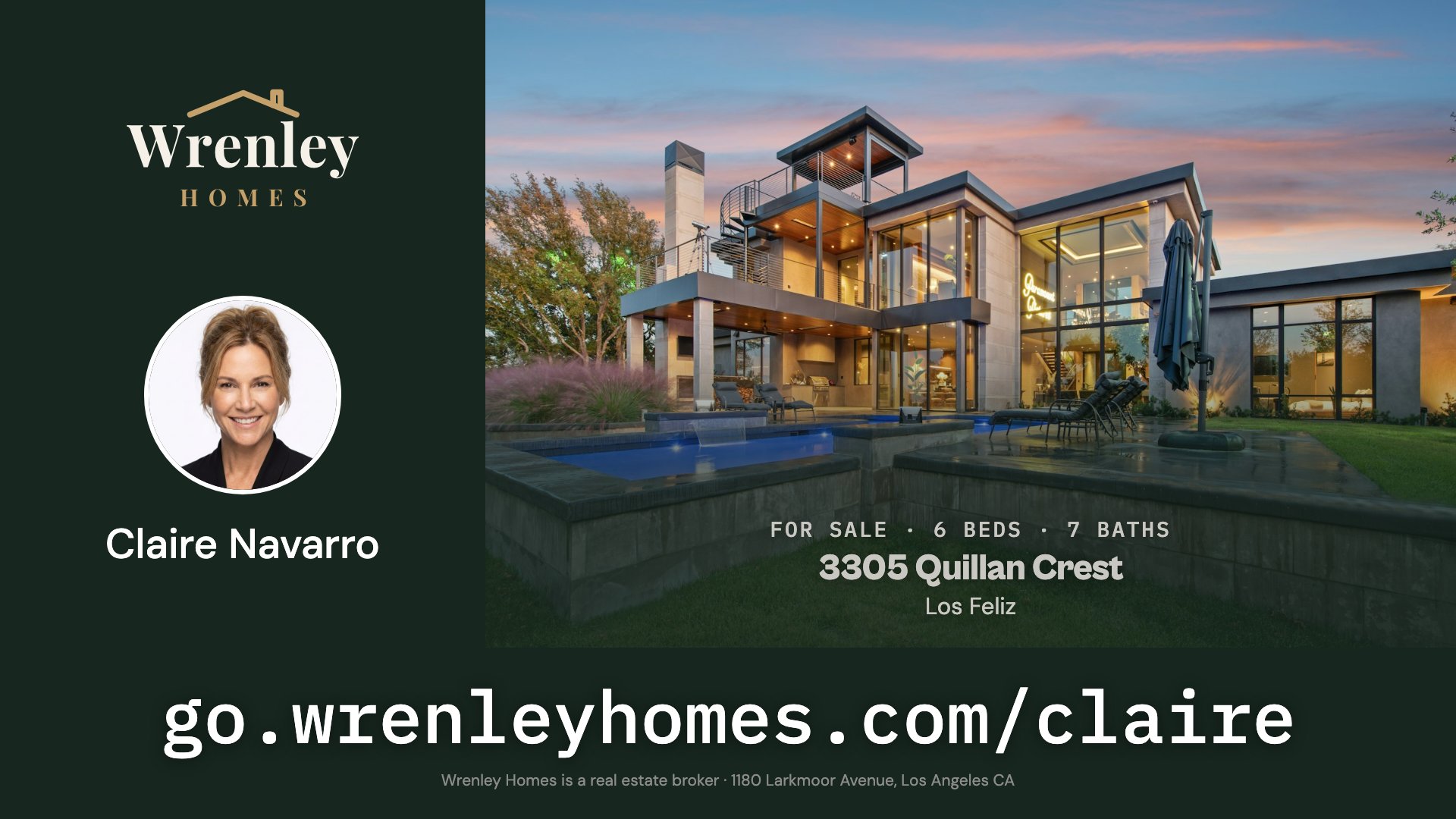
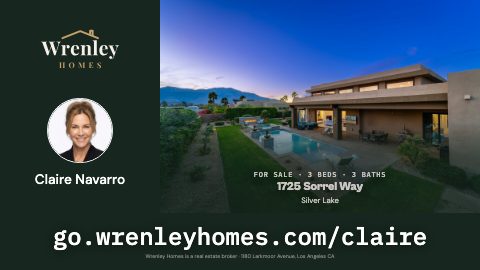
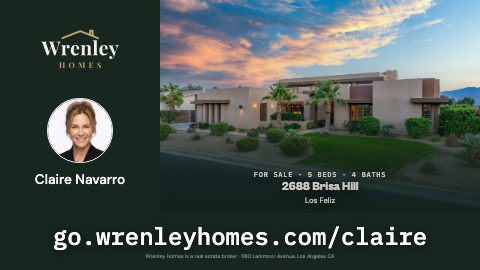
What every agent wants to hear. Each of your listings gets its own ad, with the agent’s name and photo, on screens where you sell. Every visit it brings is counted.
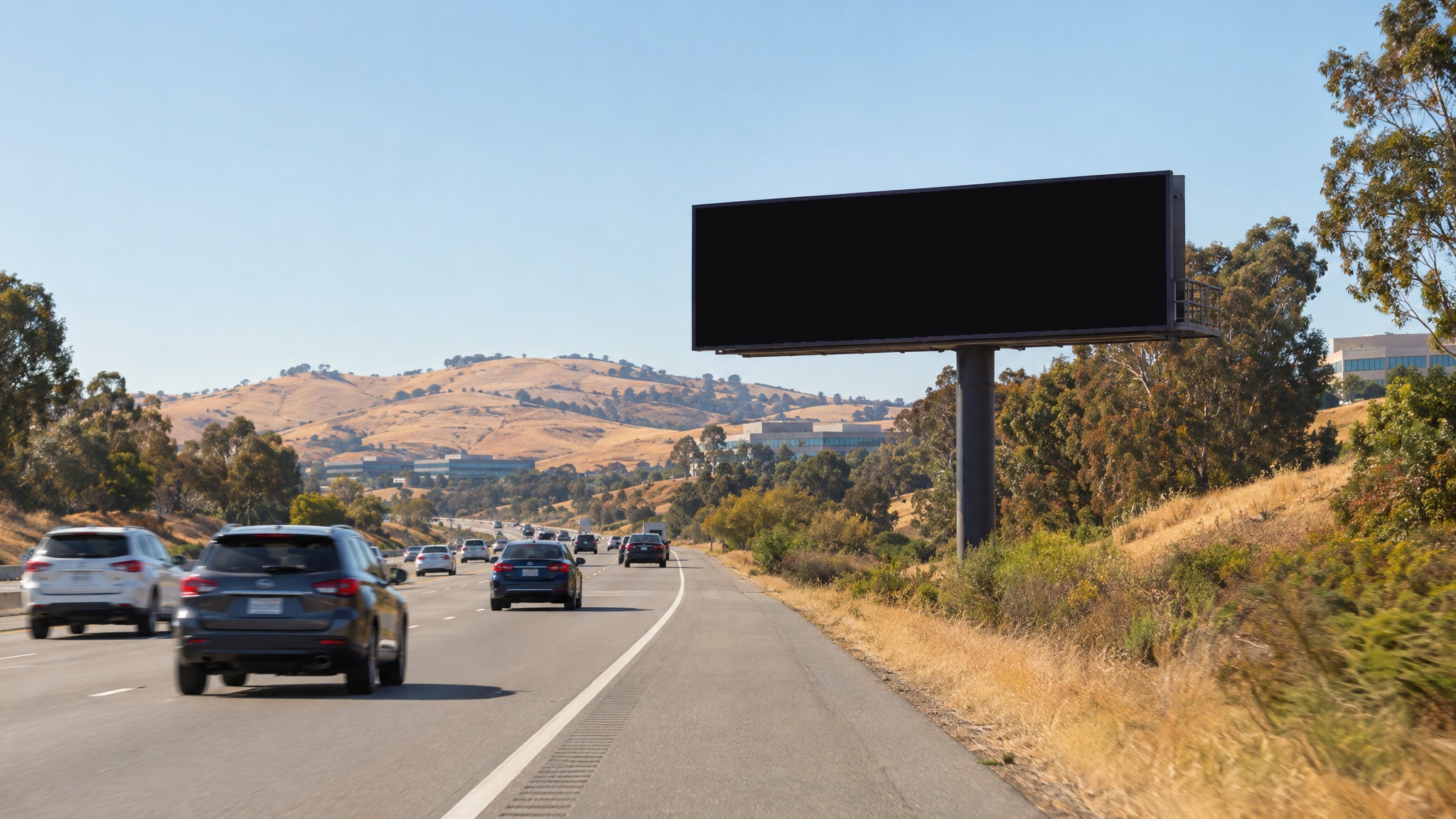
Enter your website to see your ads.
An ad for every listing
You don’t have to design anything. We make the ads from the listings on your site. A new listing gets its own ad. When the house sells, its ad comes down.
Where you show up
We draw your markets around your office and wherever your listings cluster, and you can add one anywhere you want to be seen. We pick the screens in each one.
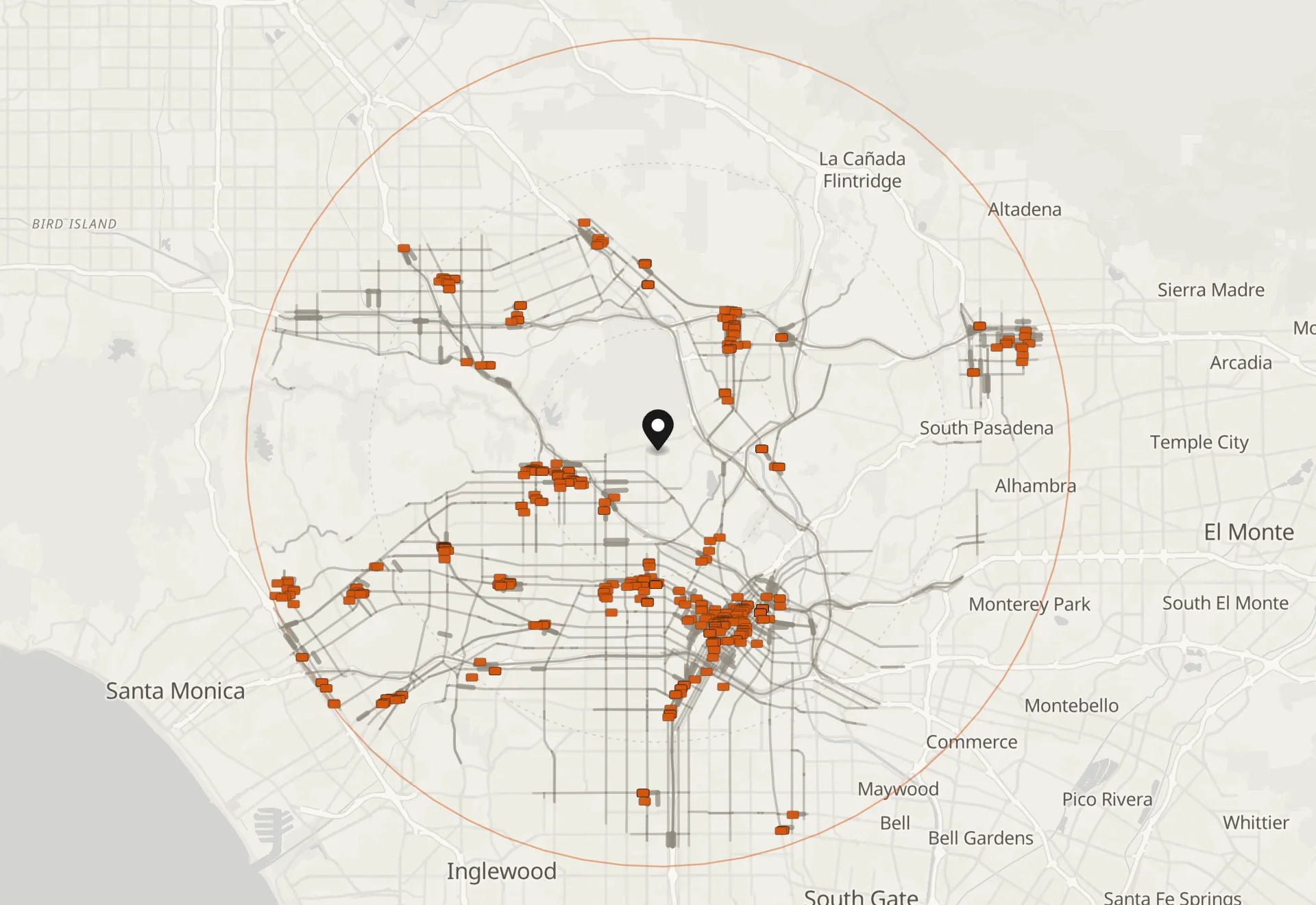
- area
- 315 sq mi
- population
- 3,037,159
- available screens
- 9,473
- Your office
- Screens your plan targets
Roadside billboards
Seen from the road, at speed46 screens

Gas pumps
Three minutes at the pump68 screens

Street panels
Eye level on a busy sidewalk242 screens
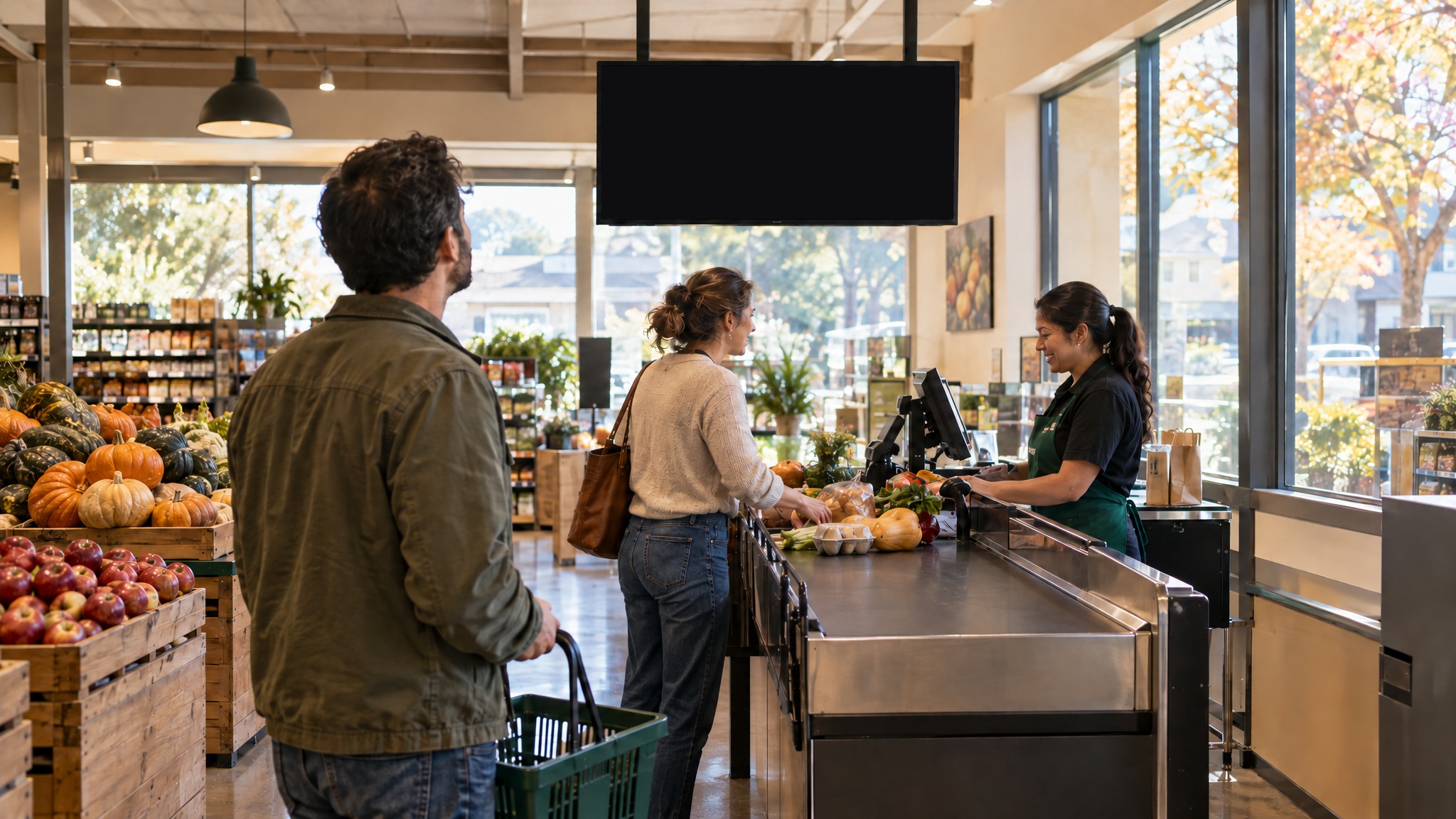
Grocery stores
The weekly shop, aisle by aisle311 screens
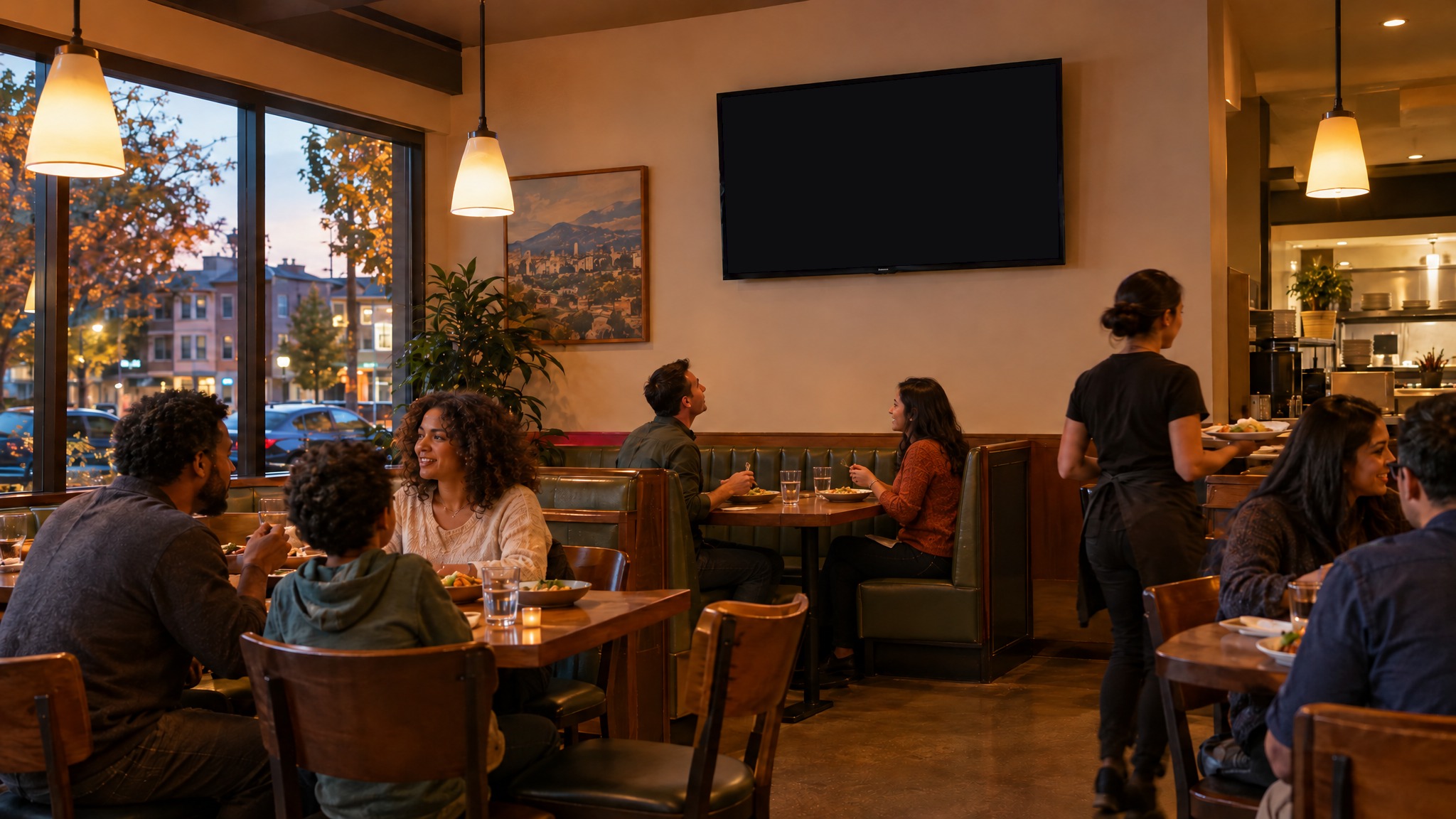
Casual dining
Seated, waiting for the food208 screens
Choose which listings to feature
Run every agent’s listings, or only the agents you pick, and take out any listing you’d rather not show.
One plan can cover the whole brokerage, or an agent can have a plan of their own. Either way, you see every plan on your dashboard.
11 of 11 listings run.









Every visit, counted
Every ad carries a response URL: a short URL on your own domain. It can open your brokerage, an agent or a listing on your site. Every visit is counted.
- Brokeragego.wrenleyhomes.comOpens any page you choose
- Agentgo.wrenleyhomes.com/claireOpens Claire’s page
- Listinggo.wrenleyhomes.com/alcazarOpens the listing
What you see
After launch, your dashboard shows how many times each ad played, the impressions those plays delivered, and the visits they brought.
What it costs
One impression is one chance for a real person to see your ad out in the world. You pay per market, per month, for a level: how many impressions we deliver there every month, and how many of your ads run at a time.
Month to month, cancel anytime.
Every month, we
- Watch your site for new listings
- Make an ad for each one, for you to approve
- Run it on the screens in your markets, by your rules
- Take it down when the house sells
- Count every play and every visit, on your dashboard
Getting started
See your ads
Enter your website. We make your ads and your plan, with its price.
Save your plan
Save it with your email, change it, and come back when you’re ready.
Schedule your launch
Approve your ads, pick your first day and set up payment.
FAQ
Should I stop my online ads?
No. Your online advertising works; keep it. This is the offline half: the people who aren’t searching for you yet.
Can a housing ad be placed by area under the Fair Housing Act?
Yes. The Act bans choosing where an ad runs in a way that shuts out a protected group. We draw your markets from your office and your listings, and never target people. This isn’t legal advice, so check with your counsel.
Does the ad name the brokerage?
Yes. Every ad carries your broker line: the brokerage’s name, that it is a real estate broker, and its address.
Can the response URL use my own domain?
Yes, and we recommend it: your ads print go.yourbrokerage.com/sarah, on your own domain. Whoever runs your website adds one record, and we do the rest. Until it’s set up, your ads print a dropsignal.co address instead, so nothing waits on it.
What if I don’t like the ads?
Nothing runs until you approve it. You can change the words or the photo, and a change to the design carries to every ad built from it.
What if I have more listings than my level runs?
You choose the order: highest price first, newest listings first, or longest on market first. When one sells, the next moves up.
What is digital out-of-home advertising?
Out-of-home is advertising in physical space: billboards, transit shelters, kiosks, screens in gyms and cafés. Digital out-of-home means those screens are digital, so an ad can be scheduled and swapped like an online one.
When am I charged?
You add a card or bank account when you schedule your launch. Nothing is charged until that day; your first month starts then, and monthly after that until you cancel.
Is there a contract?
No. It’s monthly. Cancel with a button and your ads stop at the end of the month you’ve paid for.
What if you don’t deliver the impressions?
We make it up the next month. The shortfall gets added to that month’s target, and if you’ve cancelled we keep running up to 30 days until it lands, unless you’d rather we didn’t. It’s delivery, not a credit: you bought impressions, so you get impressions. If we come up short two months running, we move you to the level we can actually deliver in your market.